Set Up BulkIndex in Minutes
Some people spend hours checking URLs one by one. Others spend five minutes setting up BulkIndex and move on with their lives. This page helps you join the second group.
API Authentication
1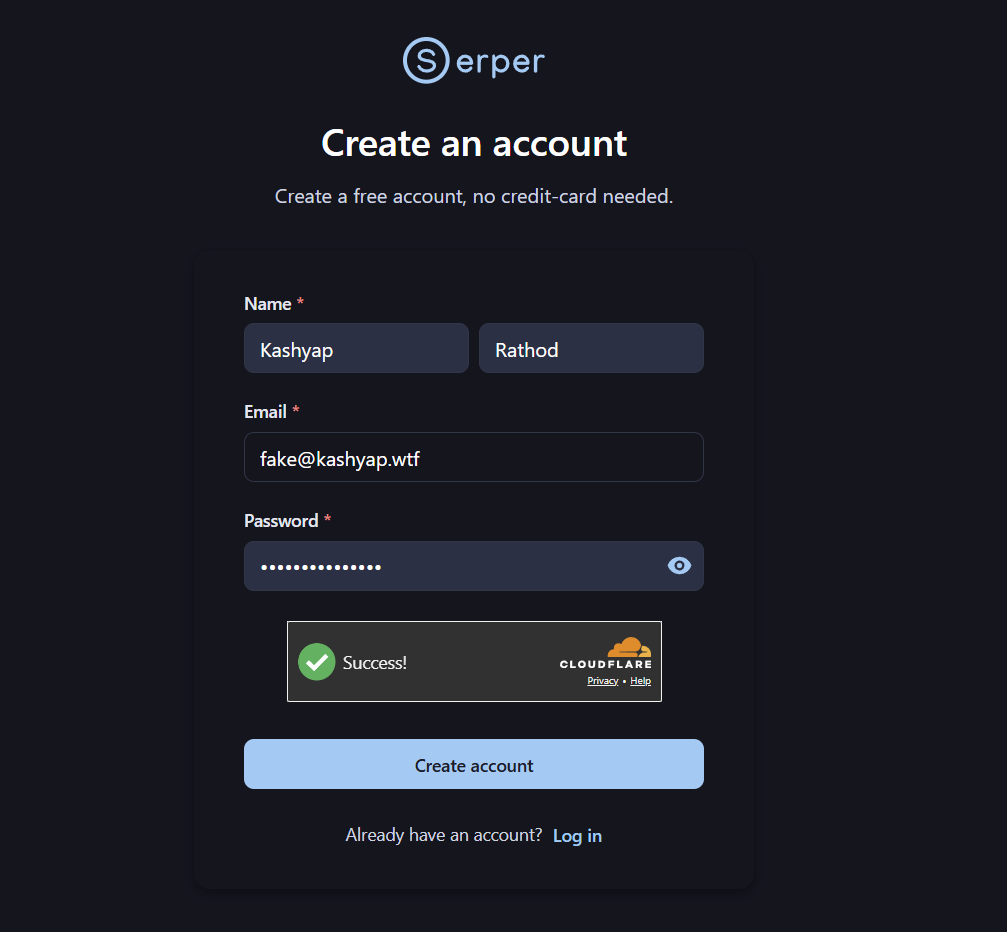
Go to serper.dev and sign up (free)
2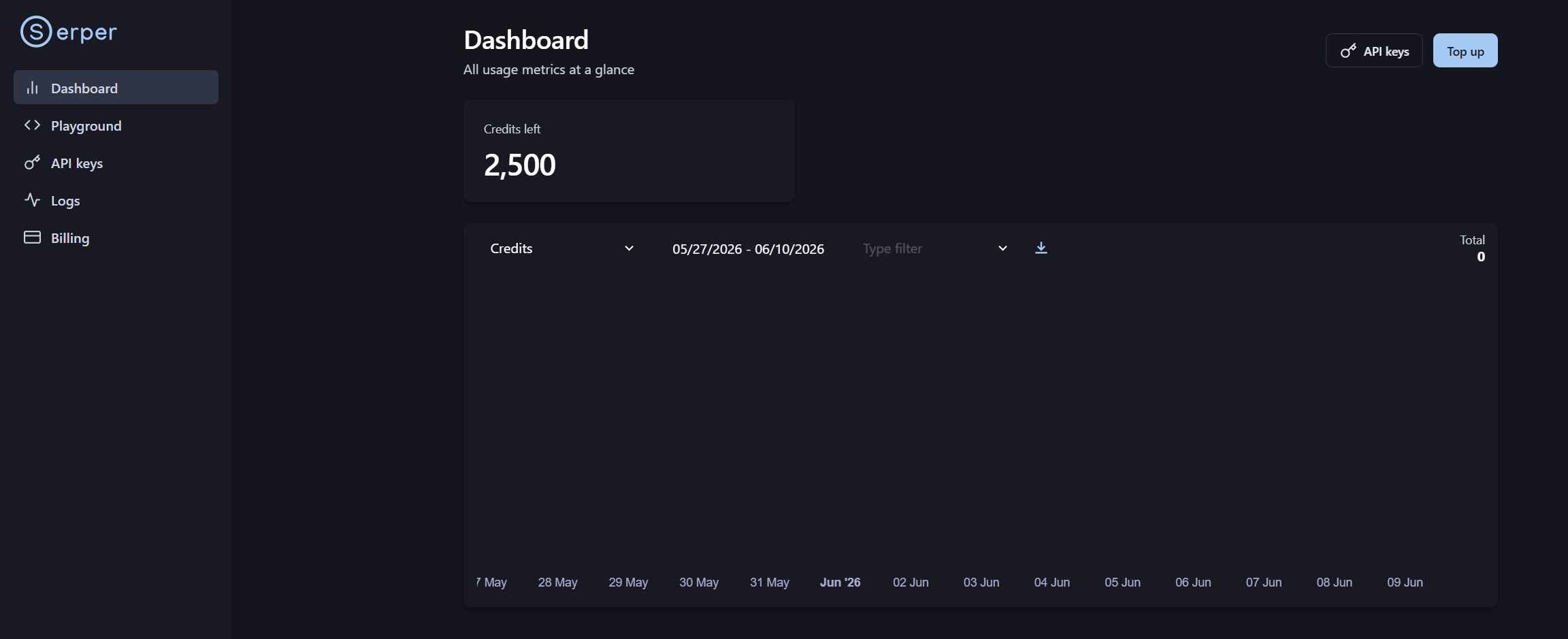
Once signed in, you'll land on the Dashboard
3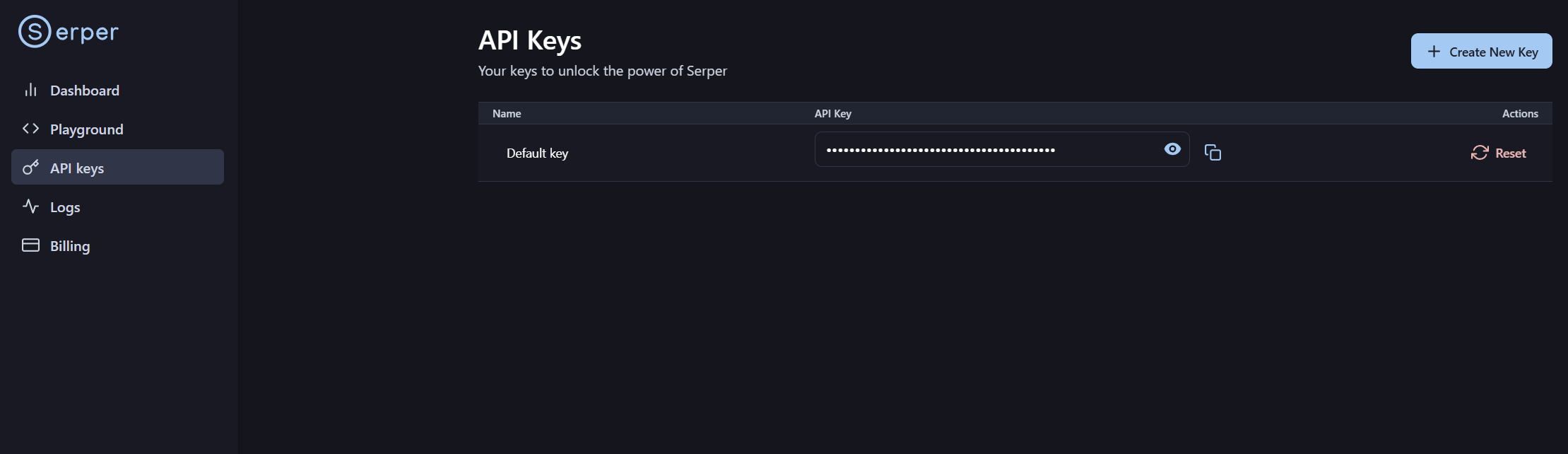
Click API Key in the left sidebar
4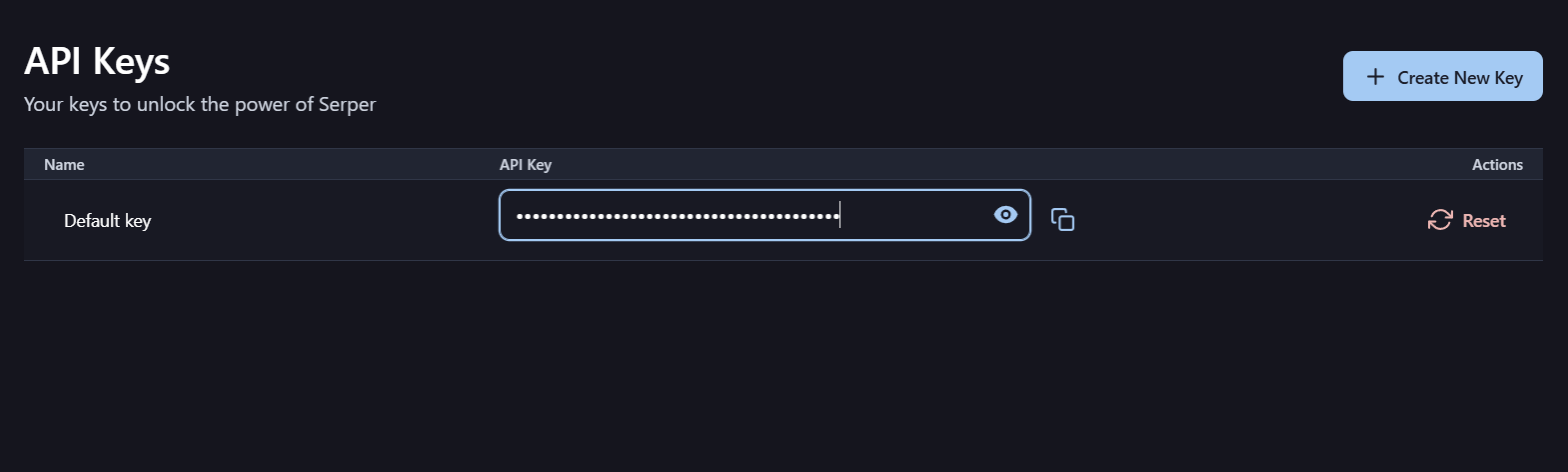
Copy the Default key
5
Paste it into BulkIndex API key field
Free • 2,500 searches/month • No credit card needed
Stored only in your browser. Never shared or sent anywhere.
Troubleshooting
429
Rate Limit Hit
You've exceeded your Serper monthly quota. Upgrade your plan or wait for the next billing cycle.
KEY
Invalid API Key
Key is wrong or expired. Re-check your Serper dashboard and paste the correct key.
URL
URL Errors
Make sure all URLs start with https:// — no spaces, commas, or trailing characters.